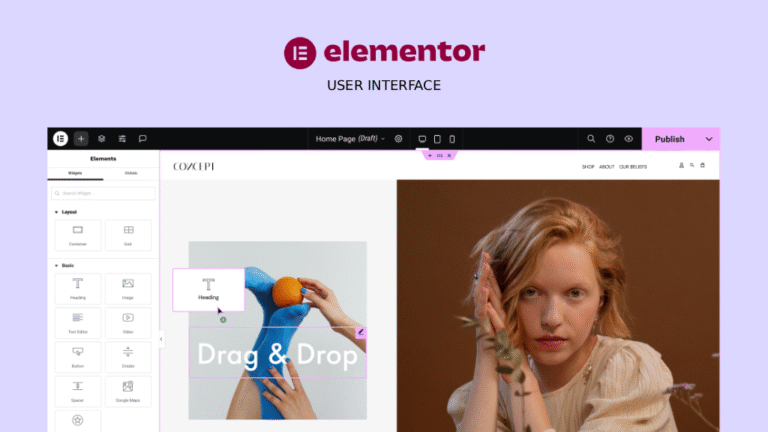
Elementor, on the other hand, is one of the most popular WordPress page builders. It enables users to design dynamic websites using a drag-and-drop interface, with an extensive library of widgets and templates. Its strong community, plugin compatibility, and integration with WordPress’s ecosystem make it a preferred tool for freelancers, agencies, and businesses seeking scalability and ease of use.
When it comes to performance, Framer websites are built on a React-based framework and hosted on modern infrastructure. This ensures lightning-fast loading times, smooth transitions, and top-notch Core Web Vitals scores — an essential factor for SEO and user experience.
Elementor, being built on top of WordPress, depends heavily on the hosting environment and plugin usage. While it can perform well with optimized hosting and caching, excessive plugin dependency often leads to bloating and slower performance. That said, Elementor Pro users can still achieve solid results with performance tweaks and optimization plugins.
Elementor’s greatest strength lies in its vast WordPress ecosystem. You can integrate nearly any marketing, SEO, or eCommerce plugin effortlessly. From WooCommerce to Yoast SEO and Mailchimp, Elementor supports them all. This flexibility makes it ideal for content-heavy or business-driven websites.
Framer, being a standalone platform, has fewer third-party integrations, but it offers built-in features like analytics, CMS, and hosting — reducing reliance on external plugins. Its ecosystem is smaller but cleaner and less prone to compatibility issues.
With WordPress and Elementor, users gain access to a powerful SEO toolkit via plugins like Rank Math or Yoast SEO, giving full control over metadata, structured data, and sitemaps. Marketers can also integrate with tools like HubSpot or Google Tag Manager easily.
Framer, while newer in this domain, includes built-in SEO settings — page titles, meta descriptions, and Open Graph tags. Its websites are fast and mobile-optimized by default, which indirectly boosts SEO performance. However, advanced marketers may miss the depth of WordPress’s SEO ecosystem.
Elementor runs on top of WordPress, so the total cost includes hosting, domain, WordPress themes, and Elementor Pro licensing. While affordable at first, the combined costs can rise with scaling.
Framer, in contrast, offers all-in-one pricing, covering hosting, CMS, and editor access. You don’t need external plugins or themes, and pricing is transparent. For small to mid-sized teams, Framer’s subscription model often ends up simpler and more predictable.
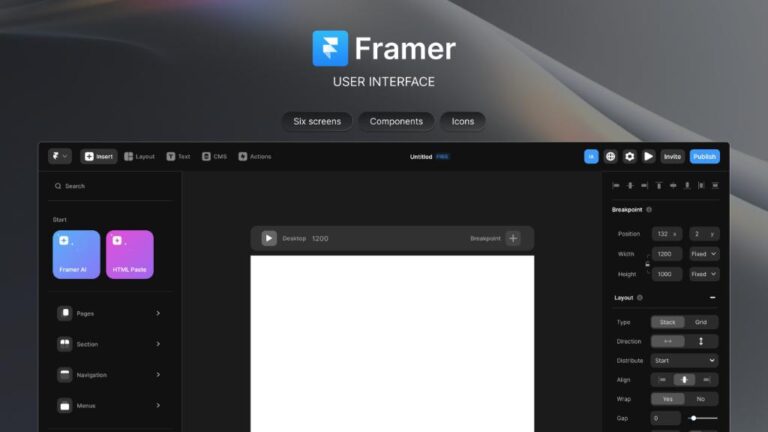
The web design industry is shifting toward real-time collaboration, code-based design systems, and AI-assisted workflows. In this sense, Framer feels future-ready — built for designers who want to create interactive, modern sites without developer friction.
Elementor, with its massive WordPress base, remains a reliable and versatile option — especially for agencies and content-heavy websites. However, as WordPress ages and modern web standards evolve, Elementor will need to keep innovating to stay competitive.